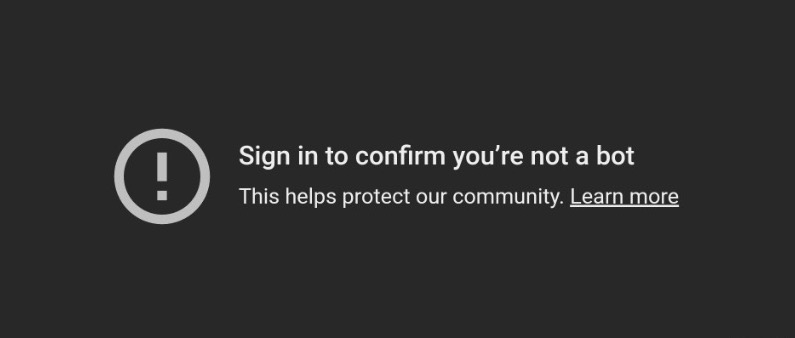
Jika muncul tulisan "Sign in to confirm you're not a bot"
Penyebabnya:
Alamat IP koneksi internet Anda dianggap kurang aman oleh YouTube
Ada 2 solusinya
Solusi #1
- Di OBS atau aplikasi streaming Anda (pastikan sudah versi terbaru), buat "Browser Source" baru, dan isi dengan link: https://accounts.google.com
- Klik "Interact" pada "Browser Source" baru tersebut, lalu login ke akun Google Anda
- Lalu sembunyikan "Browser Source" tersebut atau pindahkan ke layer terbawah agar tidak terlihat
- Refresh halaman SociaBuzz Anda & lakukan lagi "Test Alert" overlay Media Share
Solusi #2
- Install Cloudflare WARP di komputer Anda (ini link downloadnya)
- Setelah install, nyalakan Cloudflare WARP agar mendapatkan alamat IP tepercaya
- Refresh halaman SociaBuzz Anda & lakukan lagi "Test Alert" overlay Media Share
Catatan: Kekurangan dari Solusi #2 adalah bisa menyebabkan lag pada game yang Anda mainkan
Was this article helpful?
That’s Great!
Thank you for your feedback
Sorry! We couldn't be helpful
Thank you for your feedback
Feedback sent
We appreciate your effort and will try to fix the article