- Login ke akun SociaBuzz Anda
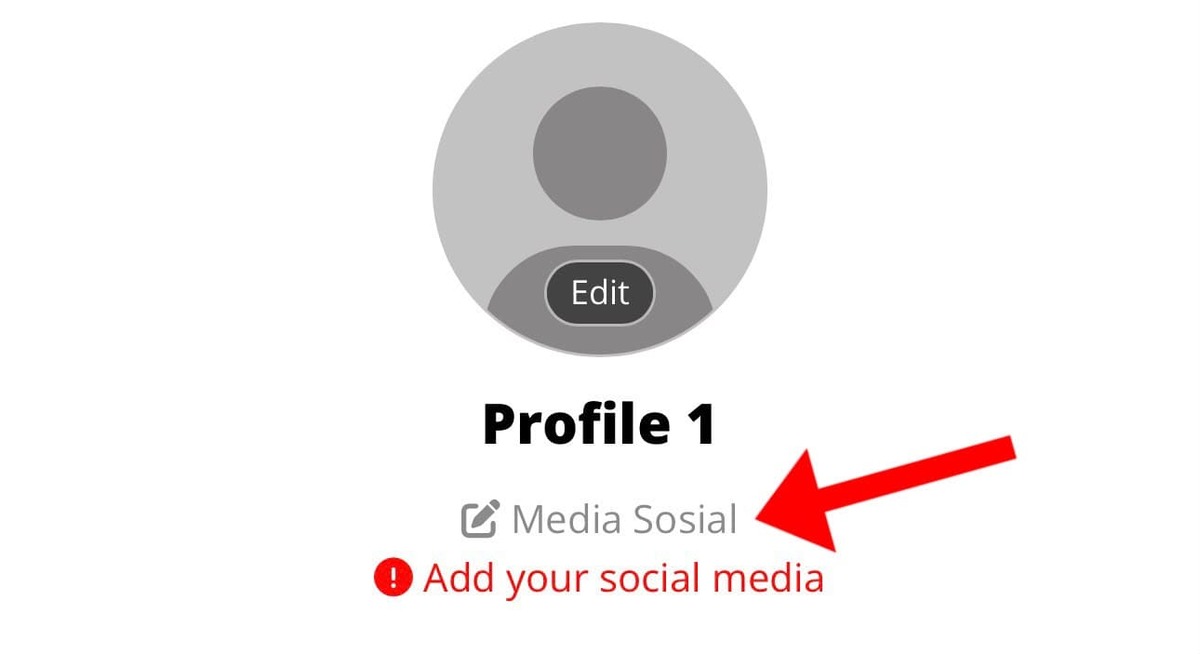
- Klik tulisan "Media Sosial" yang ada di bawah nama profil Anda
- Masukkan link akun media sosial Anda sesuai dengan kolom yang tersedia
- Klik tombol "Simpan”
Contoh format yang benar:
Instagram: https://instagram.com/UsernameAnda
YouTube: https://youtube.com/UsernameAnda
TikTok: https://tiktok.com/@UsernameAnda
Facebook: https://facebook.com/UsernameAnda
X (Twitter): https://x.com/UsernameAnda
LinkedIn: https://linkedin.com/UsernameAnda
Website: https://WebsiteAnda.com
Pastikan link yang dimasukkan sudah benar agar pendukung bisa langsung mengunjungi media sosial Anda.
Was this article helpful?
That’s Great!
Thank you for your feedback
Sorry! We couldn't be helpful
Thank you for your feedback
Feedback sent
We appreciate your effort and will try to fix the article